
Choose the workflow

glb poly reducer vs 3d models: simplify or rebuild?

The glb poly reducer vs 3d models decision starts with your goal: make an existing asset lighter, or change what the asset is. A reducer removes geometric detail; a modeling workflow creates or edits the underlying shape. Neither is a substitute for the other.

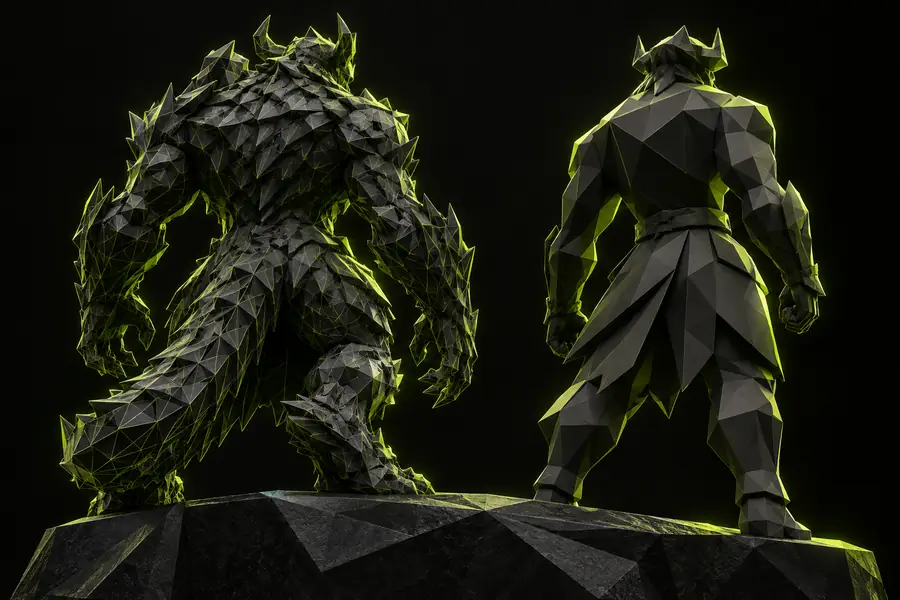
Illustration of a 3D model workflow

Verdict first: compare the jobs, not the tools

Choose reduction when the shape is already approved and excess geometry is the problem. Choose modeling when the silhouette, parts or construction need to change.

Dimension by dimension: who each approach suits

The useful comparison is purpose, not a contest between file types. A GLB can carry a 3D model; the question is whether to simplify its geometry or revise its design.

Web scene developer

An approved product asset looks right, but its dense mesh may be unnecessary at the size it appears on screen. The relevant dimension is geometric detail, not artistic direction.

Test a lower-detail copy in the actual viewer and compare its silhouette and loading behavior with the original. For a browser-based starting point, review the online reduction guide.

glb poly reducer online
Character artist

A character needs a different pose, cleaner joint topology or a redesigned costume. Removing faces will not create the missing forms or repair an unsuitable deformation rig.

Edit the source model first, then consider reduction for the approved export. The model-focused guide separates those two stages.

glb poly reducer 3d models

Product visualization team

Several versions of the same object must be shown at different viewing distances. Close-up views expose details that a distant thumbnail may not need.

Keep a detailed source and evaluate separate export targets rather than overwriting it. The practical tutorial outlines checks to make after simplifying a model.

glb poly reducer tutorial 3d models

Asset delivery coordinator

A GLB exceeds a delivery budget, but it is unclear whether mesh data, textures or other embedded content account for most of the size.

Inspect the asset before choosing a remedy. The file-size guide covers the other contributors to investigate when polygon reduction alone is insufficient.

How do I reduce the size of a GLB file?

Migration path: keep the source, test the export

Moving from a detailed model to a lighter GLB should be a reversible export workflow, not a destructive edit to the only copy.

  1. 1

    Identify the actual constraint

    Record the current GLB size and inspect where its complexity comes from. If textures dominate the file, a polygon reducer may have little effect on the total bytes. If the shape itself is wrong, return to the modeling source instead of trying to simplify it.

  2. 2

    Make a separate candidate

    Preserve the source asset and create a reduced export for evaluation. Pay attention to small parts, curved silhouettes, UV seams and material boundaries: these are common places where removed geometry becomes visible. Avoid treating a target polygon count as proof of acceptable quality.

  3. 3

    Compare in the destination

    Open both versions in the viewer or application that will use them. Check appearance at realistic camera distances, test animation if the asset has it, and measure the delivered file. Keep the reduced version only if it meets both the visual requirement and the delivery constraint.

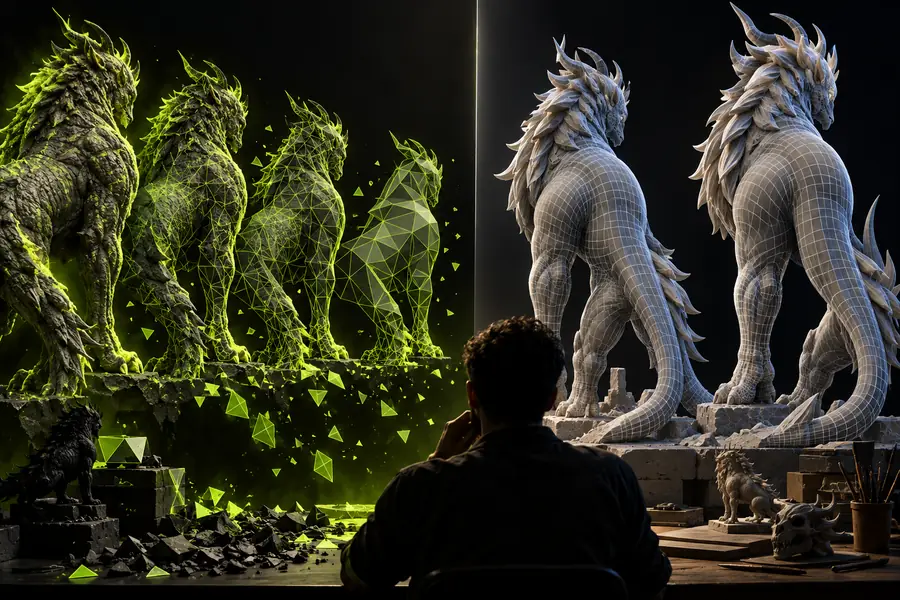
A visual checkpoint for the comparison

A side-by-side view is useful for spotting changes, but an illustration cannot establish how your own asset will behave.

  • Modeling: define the form
  • Reduction: assess retained detail

These are conceptual illustrations, not a measured before-and-after result from one GLB. For a real decision, compare exports of the same asset under the same lighting, camera and display size.

Illustrative view of contrasting 3D character forms
Illustration accompanying the comparison of GLB reduction and 3D modeling

Where reduction stops helping

A polygon reducer is a narrow tool. Recognizing its limits early can prevent a smaller but less useful deliverable.

  • It cannot redesign an object

    Simplifying an incorrect silhouette will not add a missing component, correct proportions or make an unsuitable model fit its brief.

    WorkaroundRevise the source geometry in a modeling workflow, approve the shape, and only then evaluate a reduced export.

  • It may not solve a texture-heavy file

    GLB size can include images, materials, geometry and other data. Removing faces does not necessarily address whichever component occupies the most space.

    WorkaroundInspect the asset's contents and choose an optimization method for the data that actually drives its size.

  • It cannot guarantee visual equivalence

    Thin features, curved edges, UV seams and animation deformations may change even when a still preview appears acceptable.

    WorkaroundCheck the candidate in its destination viewer, including close views and motion where relevant, before replacing an existing export.

Choose the next step for your asset

Start with the job your model needs done

If the design is settled, compare the existing GLB with a carefully simplified candidate and keep the source intact. If the design needs new geometry or structural edits, work on the model first. Glbpolyreducer links to an external 3D studio where you can explore its available workflow; check the destination's supported inputs and outputs before relying on it for a specific reduction task.

Explore 3D studio
  • Preserve the detailed source
  • Judge exports in their destination
  • Verify the workflow before committing

Comparison FAQ

No. A polygon reducer aims to simplify geometry that already exists, while a modeler is used to create or change the shape and structure of an asset. In the glb poly reducer vs 3d models comparison, the deciding question is whether the existing design is correct.

Sometimes a model can lose detail that is not noticeable at its intended viewing size, but visual equivalence is not guaranteed. Compare the original and reduced versions under the same camera, lighting and animation conditions, paying particular attention to silhouettes and thin features.

No. A GLB may also contain textures and other data that account for much of its file size. Measure the result rather than assuming a lower polygon count will meet a delivery budget.

Make necessary design and structural edits to the source model first. Then create a separate simplified export and test it for the intended destination, so the detailed source remains available for future revisions.

Keep both when the detailed version serves as the editable source or a close-up asset and the reduced version serves a more constrained use. Label the exports clearly and test each in its own context rather than treating one version as universally better.

Explore 3D studio
Explore 3D studio